COURSE 06

ComfyUI 創意影像工作坊ComfyUI Creative Image Workshop

年齡待公布Ages TBC完成可重用影像工作流程A reusable image workflow

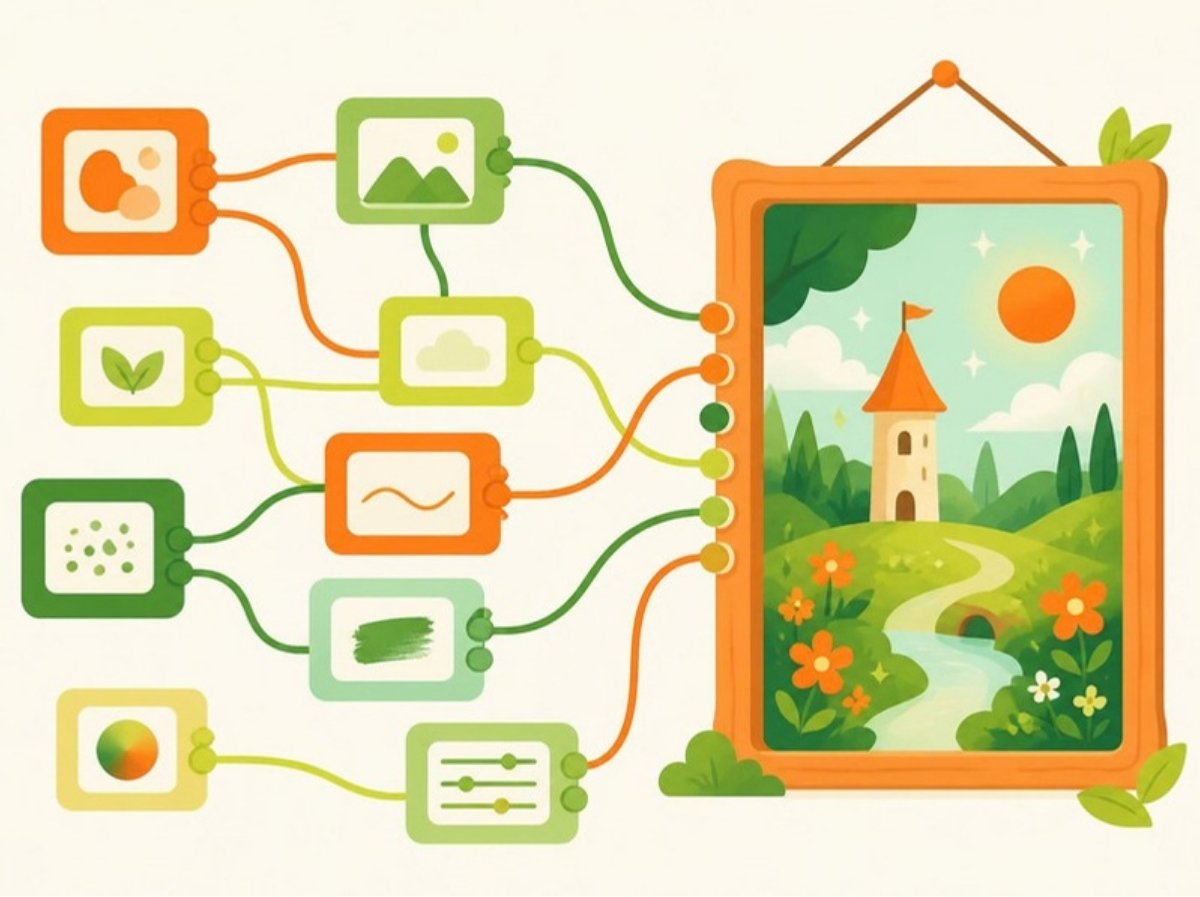
學生透過視覺化節點理解 AI 圖像的生成流程,學習把不同步驟連接、調整和重用,建立更可控的創作方式。Students use a visual node-based interface to understand how AI image workflows are assembled, adjusted and reused for more controlled creative outcomes.

節點連接成影像工作流程的插圖

適合對象Who it’s for

  • 對 AI 圖像有興趣、想更精準控制結果的學生Students into AI images who want more control over results

學習內容What they learn

  • ComfyUI 介面及節點概念The ComfyUI interface and nodes
  • AI 圖像生成流程How image generation flows
  • 提示詞及模型設定Prompts and model settings
  • 風格及結果控制Controlling style and results
  • 節點連接和除錯Wiring nodes and debugging
  • 儲存和重用個人工作流程Saving and reusing workflows

孩子帶回家的成果What they take home

  • 一個可重用的個人影像工作流程A reusable personal image workflow
  • 用工作流程製作的系列作品A set of images made with it
How it runs

課程如何進行How the course runs

所有 Comma Learning 課程都遵循同一個創作循環:Every Comma Learning course follows the same creative loop:

構思Imagine

先用文字和草圖把想法寫下來。Write and sketch the idea first.

設計Design

把規則、角色或功能說清楚。Make the rules, characters or features precise.

製作Make

按自己的規格指揮 AI 協助製作。Direct the AI from their own specification.

測試及展示Test & show

測試、改進,最後展示成果。Test, improve, then present the result.

FAQ

關於這個課程About this course

孩子需要有經驗嗎?Does my child need experience?
不需要。無需編碼、藝術或設計經驗,重要的是願意表達自己的想法。No. No coding, art or design experience is needed — just a willingness to explain their ideas.
會用甚麼 AI 工具?帳戶怎樣處理?Which AI tools are used? What about accounts?
工具按課程需要選擇(例如 Gemini、Kling、ComfyUI、Adobe Express、Cursor、Copilot 等)。所有帳戶由導師設定及管理,學生使用 AI 時全程有導師監督。Tools are chosen for each course (for example Gemini, Kling, ComfyUI, Adobe Express, Cursor or Copilot). All accounts are set up and managed by our tutors, and students are supervised whenever they use AI.
需要自備電腦嗎?Do we need to bring a computer?
不需要。課堂提供所需設備;如有特別安排會在報名時通知。No. We provide the equipment in class; we’ll tell you at sign-up if anything else is needed.
甚麼時候開班?When does the next class start?
開班日期即將公布,歡迎先 WhatsApp 登記。Dates are coming soon — WhatsApp us to register interest.
More courses

其他課程Other courses

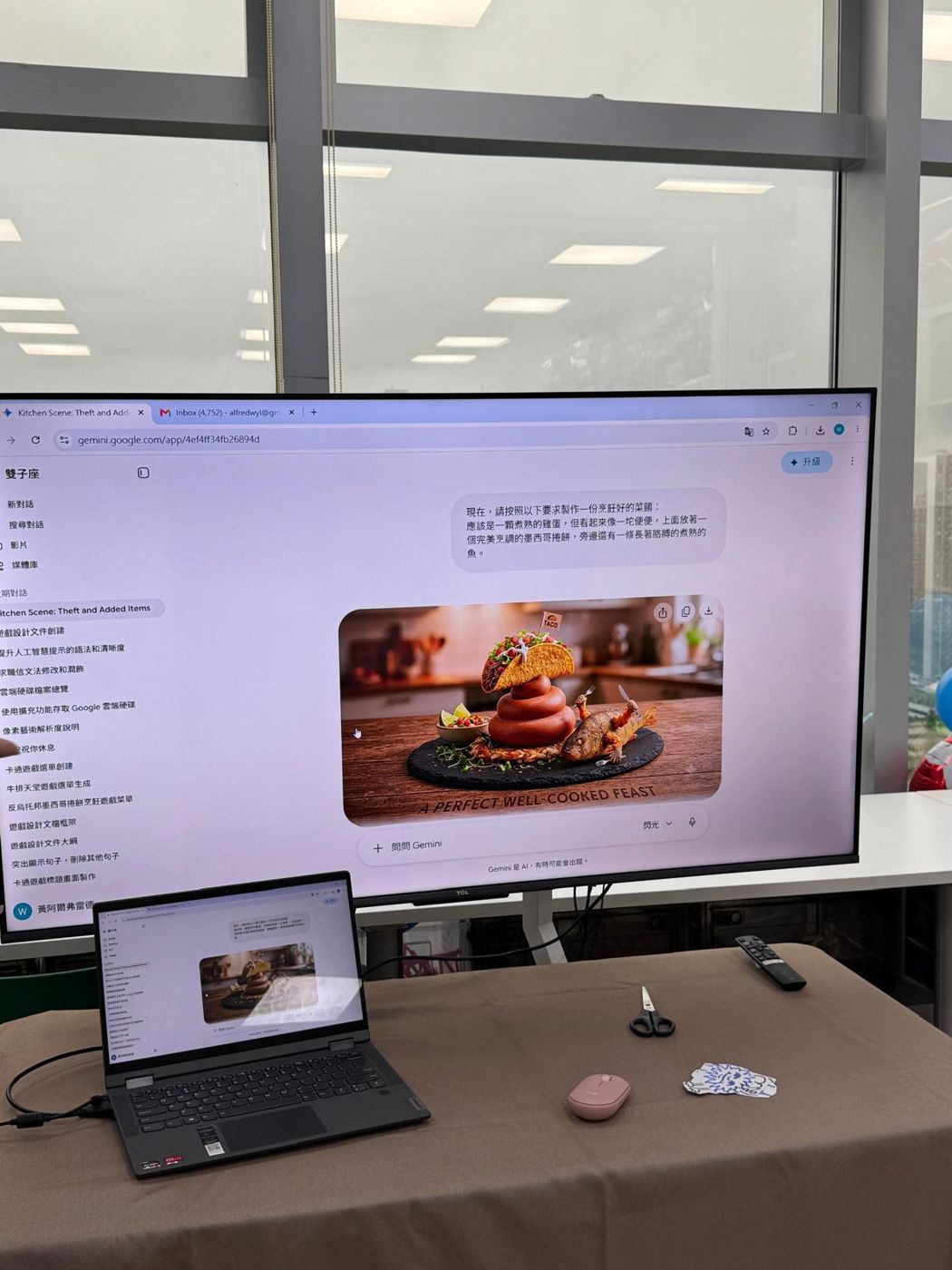
學生描述後由 AI 生成的遊戲畫面
01

遊戲設計工作坊AI Game Design Workshop

AI Game Design Workshop
可玩遊戲+家長展示會Playable game + parent showcase9–12 歲Ages 9–128–10 節8–10 sessions

孩子帶着一個構思進入課堂,從故事、角色、場景、玩法和計分系統開始,逐步完成一個真正可以遊玩的遊戲。課程最後以同學試玩及家長展示會作結。Students enter with an idea and develop its story, characters, environment, rules and scoring system into a playable game. The course ends with peer playtesting and a parent showcase.

了解課程詳情Course details
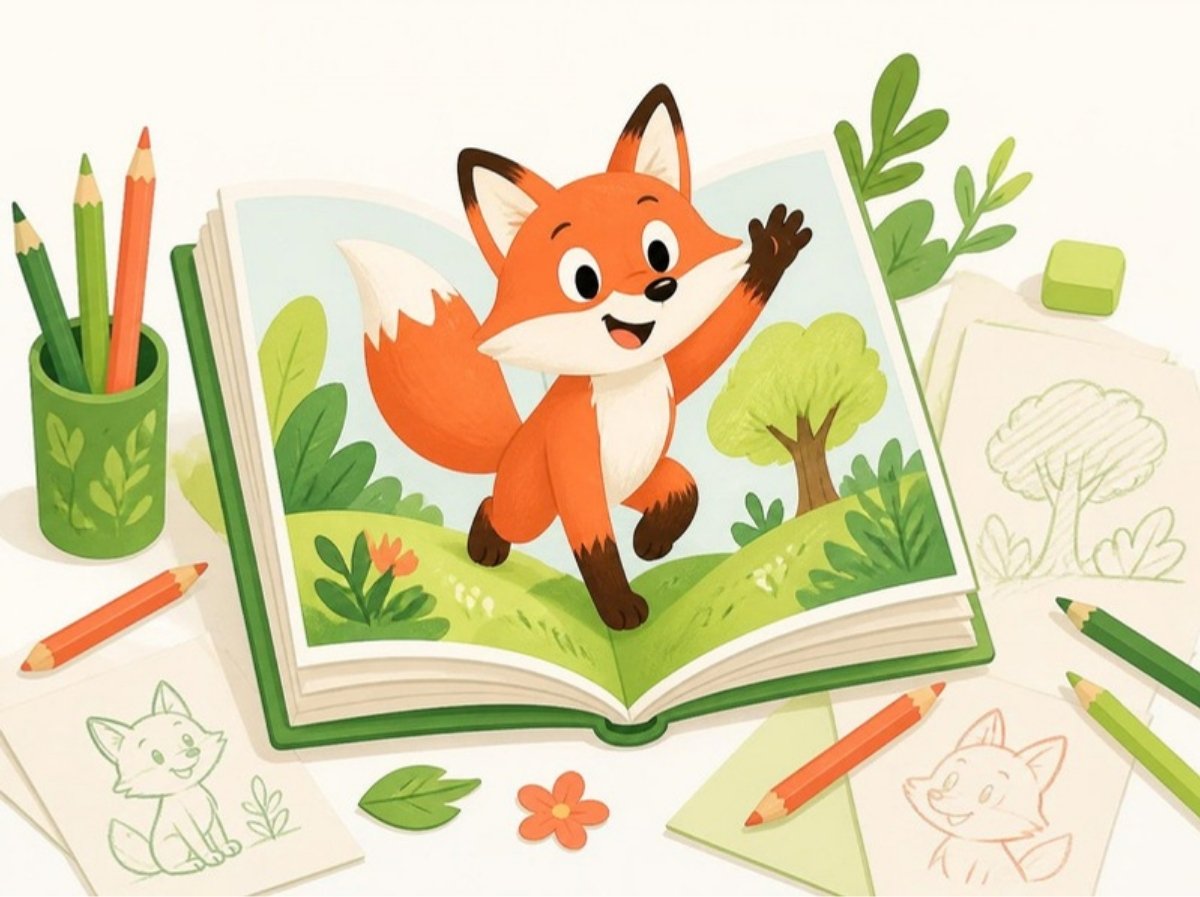
繪本插圖:狐狸角色從書頁走出來
02

AI 繪本工作坊AI Picture Book Workshop

AI Picture Book Workshop
完成個人繪本A finished picture book年齡待公布Ages TBC

孩子把自己的故事構思發展成完整繪本,學習安排情節、規劃頁面、設計角色,並運用 AI 協助製作風格一致而有連貫性的圖像。Students develop an original story into a complete picture book, planning its narrative, pages and characters while using AI to create coherent and visually consistent illustrations.

了解課程詳情Course details
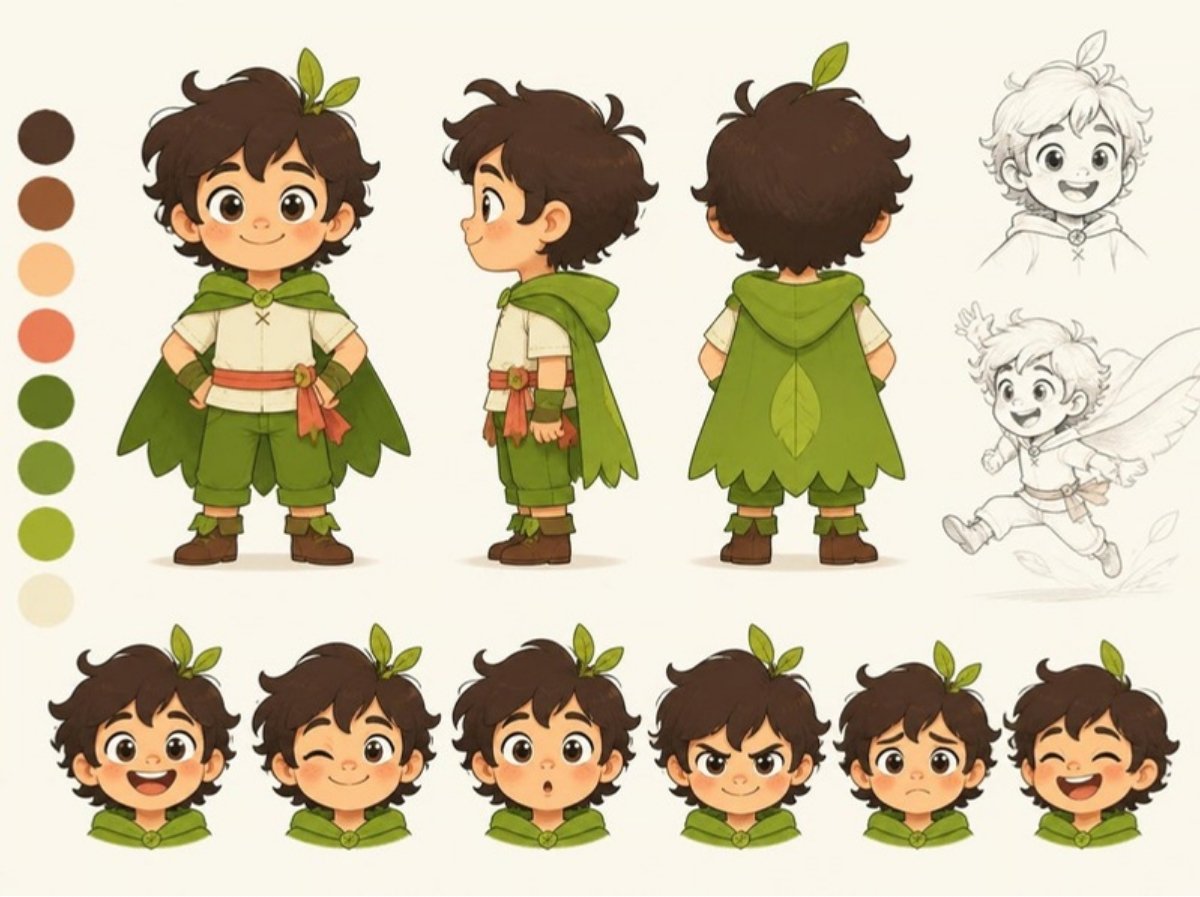
角色設定圖:同一角色的正面、側面、背面及表情
03

AI 角色設定工作坊AI Character Design Workshop

AI Character Design Workshop
完成角色設定集A character design sheet年齡待公布Ages TBC

從一個角色的外形、性格和背景開始,學生學習如何建立清楚、完整並具有視覺一致性的角色設定。Students build a character from appearance, personality and backstory, learning to communicate a clear concept and maintain visual consistency across generated results.

了解課程詳情Course details

想了解這個課程?Interested in this course?

告訴我們孩子的年齡和興趣,我們會盡快回覆。Tell us your child’s age and interests and we’ll reply soon.

WhatsApp 查詢WhatsApp us